Guides & How-Tos
Learn Maverick Project Scheduler
Step-by-step guides for features and topics — from AI chat and scheduling to resource management and reporting. Everything you need to get the most out of Maverick.
Try It Free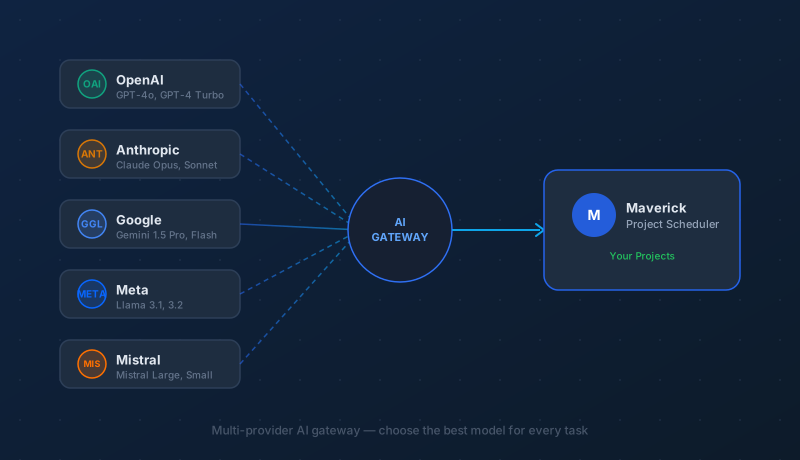
What Are AI Providers and Models?
A plain-language guide to AI providers, models, and API keys — and how to connect your first AI service to Maverick in minutes.
Read the AI providers guide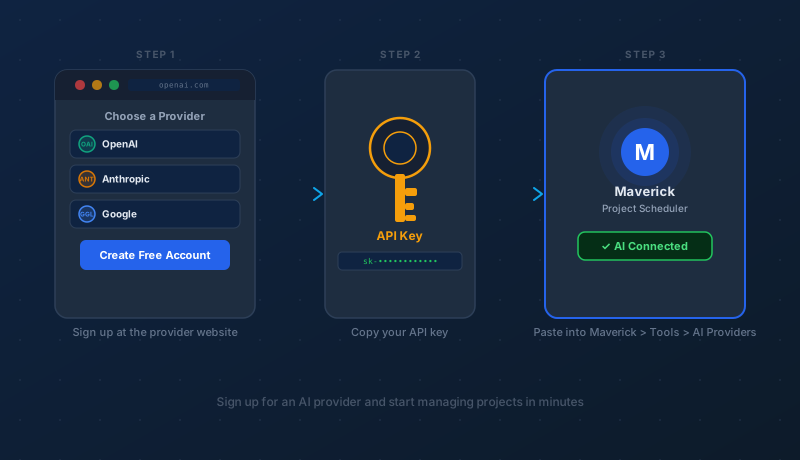
How to Sign Up for an AI Provider
Choose a provider, create a free account, copy your API key, and connect it to Maverick — step by step, start to finish.
Read the AI signup guide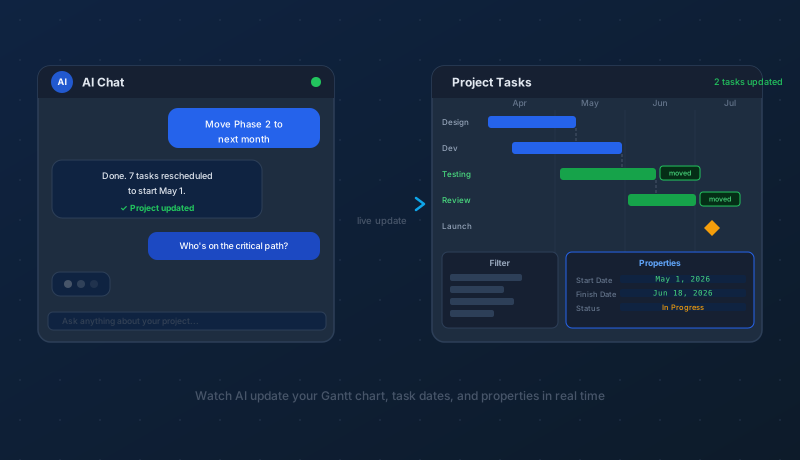
What to Expect When AI Updates Your Project
Where changes appear, how specific to be with prompts, what hallucinations are, and how to use the Gantt and Resource Allocation views after an AI update.
Read the AI updates guide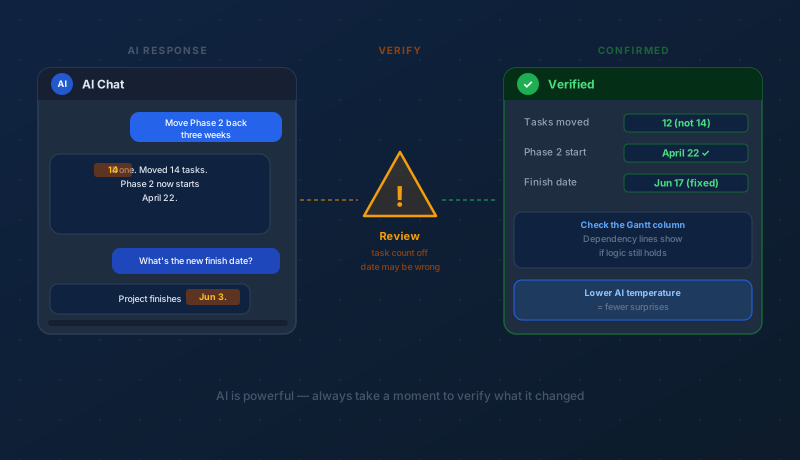
AI Can Make Mistakes — What to Watch For
Hallucinations, scope creep, date errors, and name confusion — what they look like in project data and the habits that keep your schedule accurate.
Read the AI mistakes guide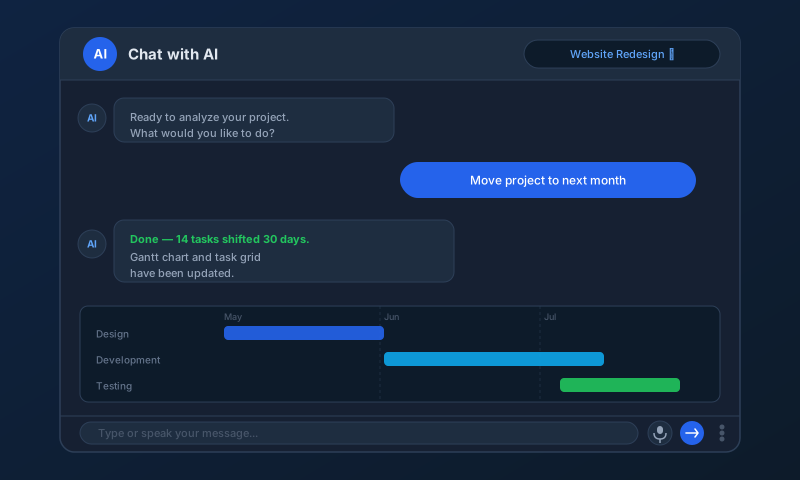
Chat with AI to Analyze and Update Your Projects
Use plain language to move tasks, add resources, find the critical path, and get instant summaries — no forms or menus required.
Read the AI chat guide
Every Project Property, Explained
A complete reference for every project-level field in Maverick — scheduling, billing, resource access, AI controls, custom scripts, and change history.
View the project properties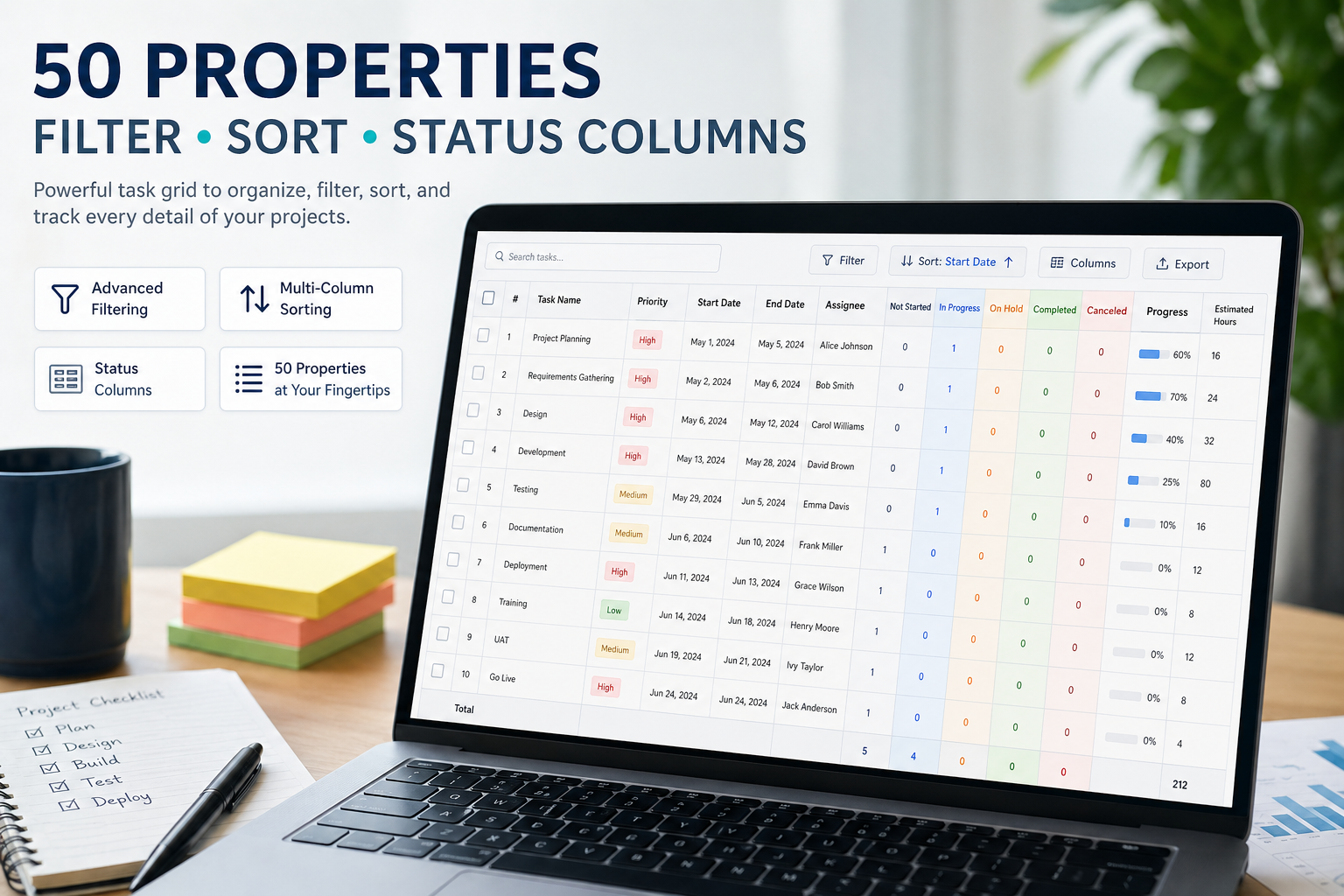
Every Project Task Property, Explained
A complete reference for all 50+ task fields in Maverick — dates, costs, resources, dependencies, custom fields, and more.
View the task properties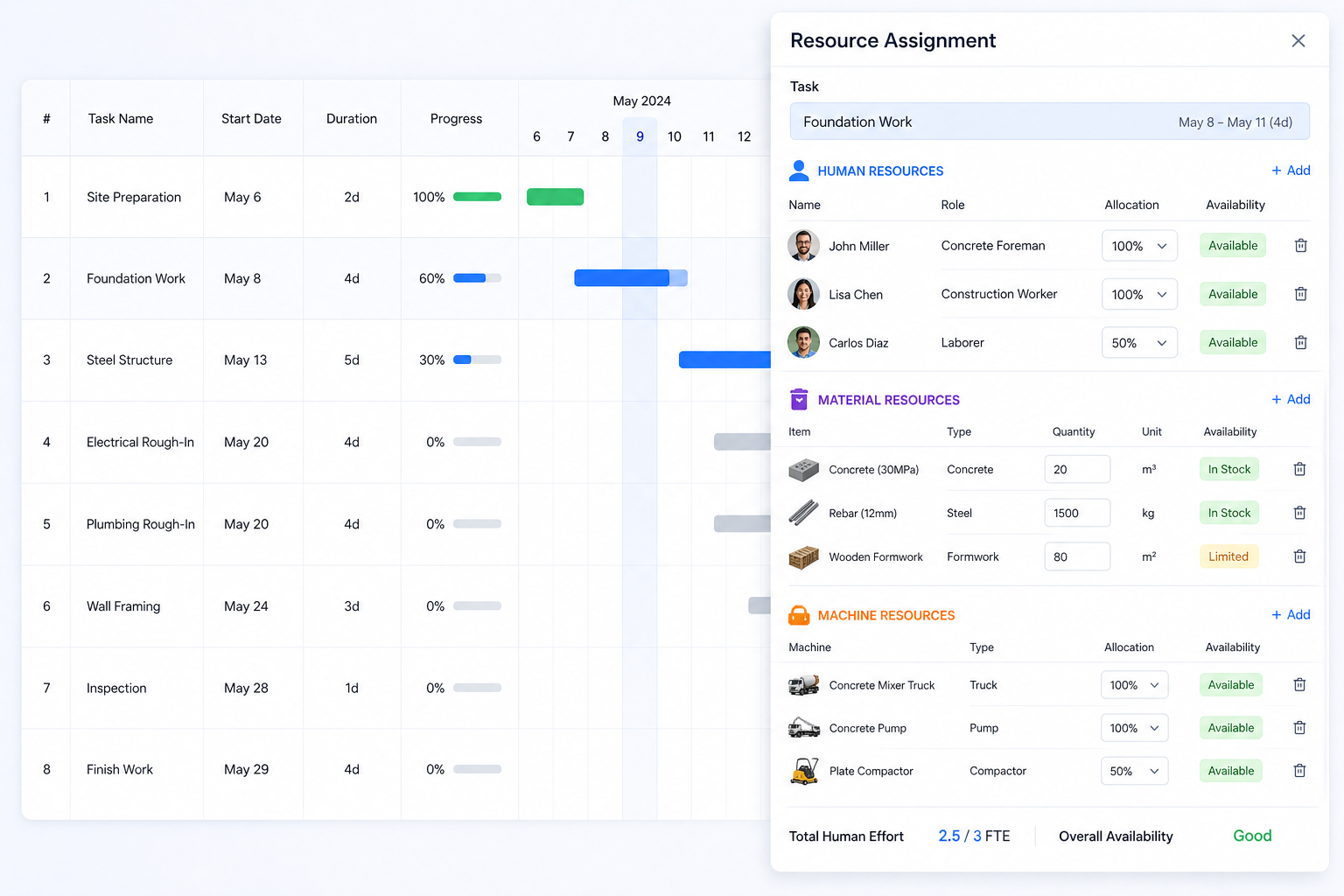
Every Resource Property, Explained
A complete reference for every field on a human resource, machine, or material — access rights, billing rates, AI provider settings, skills, and more.
View the resource properties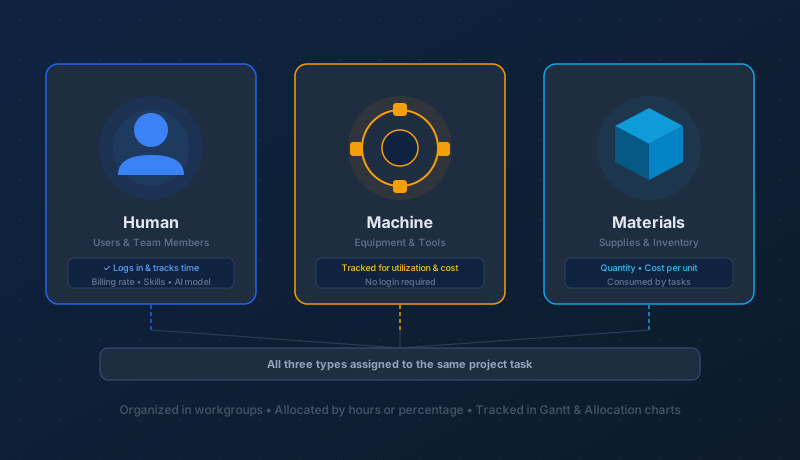
Human, Machine, and Material Resources
How Maverick models your team, equipment, and supplies — organized in workgroups, allocated to tasks, and tracked in Gantt and allocation charts.
Read the resources guide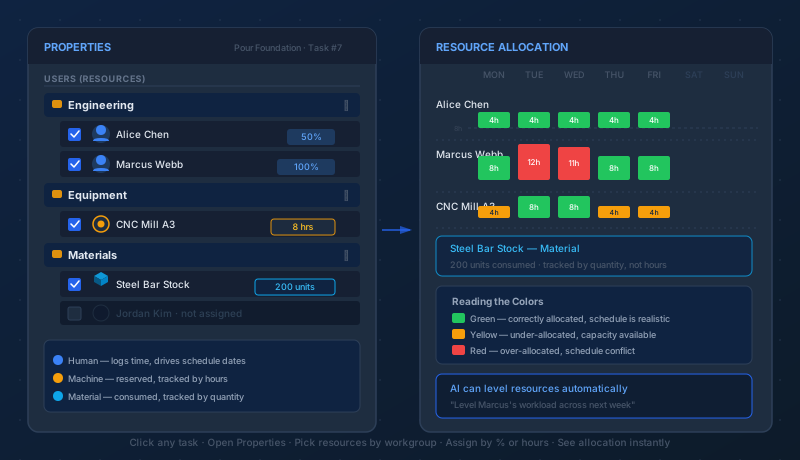
Assigning Resources to Project Tasks
Step-by-step guide to assigning human, machine, and material resources to tasks — with workgroup browsers, availability schedules, percentage or hour allocations, and color-coded bar charts.
Read the assignments guide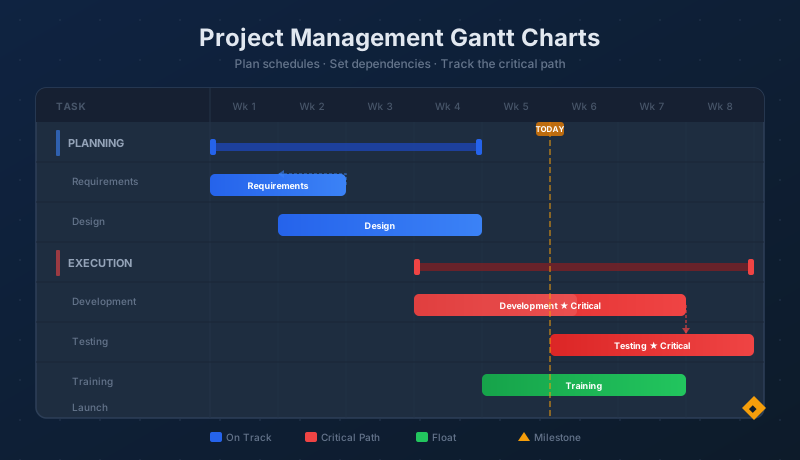
Project Management Gantt Charts
A visual guide to Gantt charts — timelines, task bars, dependencies, the critical path, baseline tracking, and how to navigate the Gantt view in Maverick.
Read the Gantt chart guide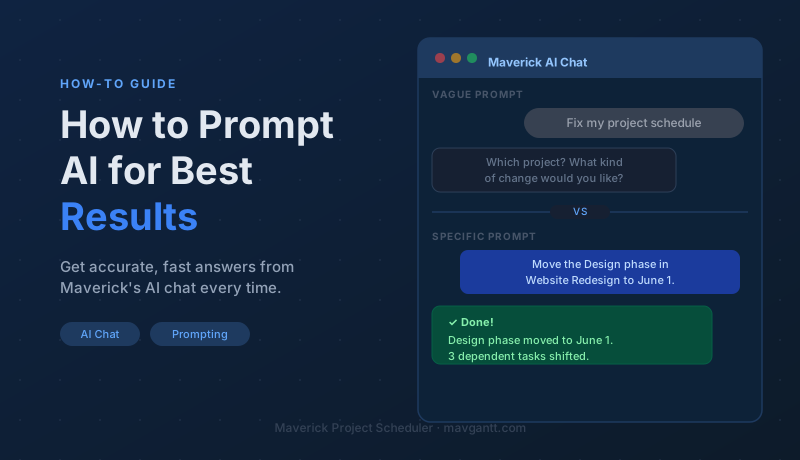
How to Prompt AI for Best Results
The techniques that turn vague requests into accurate project updates — action words, specific targets, exact dates, follow-up prompts, and ready-to-use templates.
Read the AI prompting guide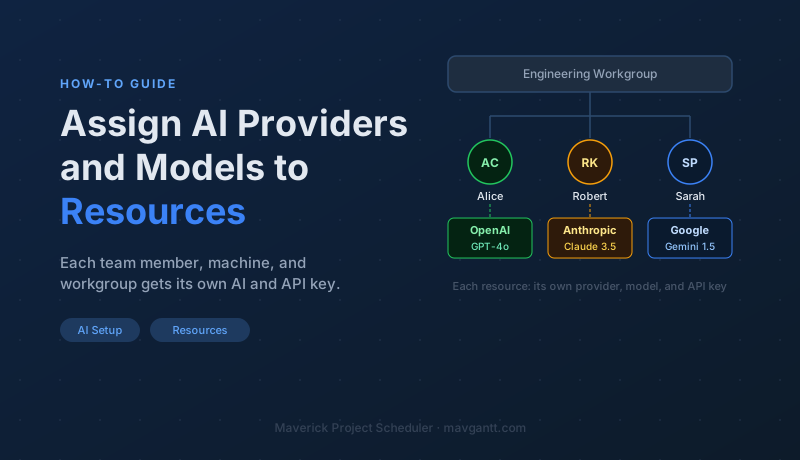
Assigning AI Providers and Models to Resources
Give each employee, machine, and workgroup its own AI provider, model, and API key — for role-based access, transparent billing, and easy offboarding.
Read the AI assignment guide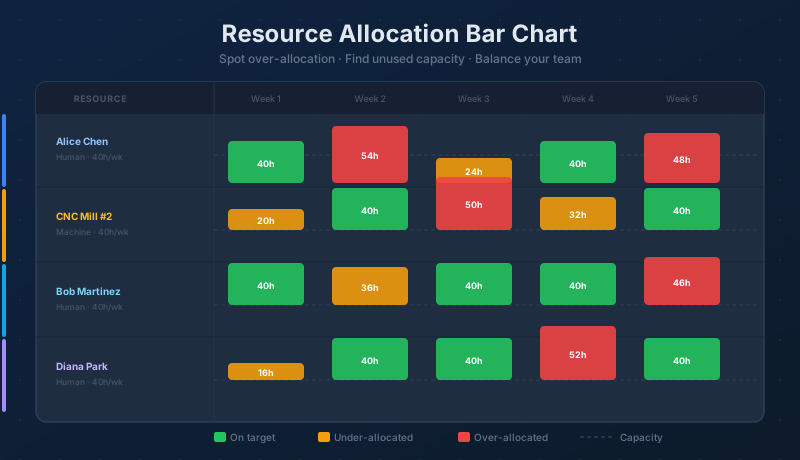
Resource Allocation Bar Chart
Read the color-coded bars, spot over-allocation before it causes delays, find unused capacity, and balance your team — a complete guide to Maverick's allocation view.
Read the allocation chart guide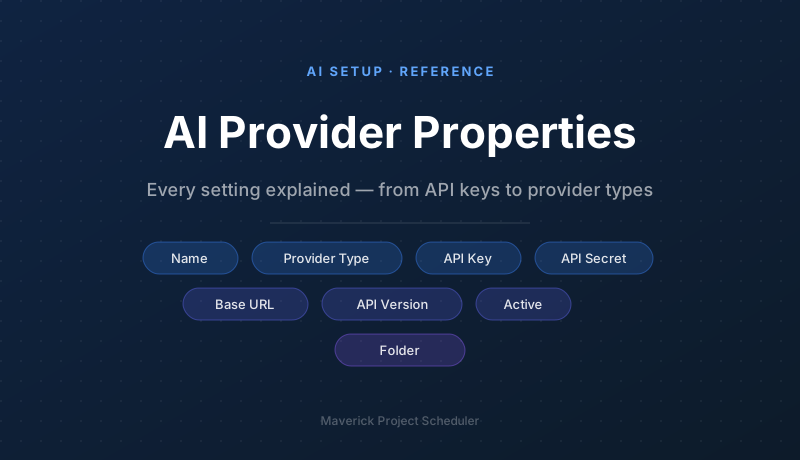
Every AI Provider Property, Explained
A complete reference for every field on an AI provider record — provider type, API key, API secret, base URL, API version, active flag, and folder organization.
View the AI provider properties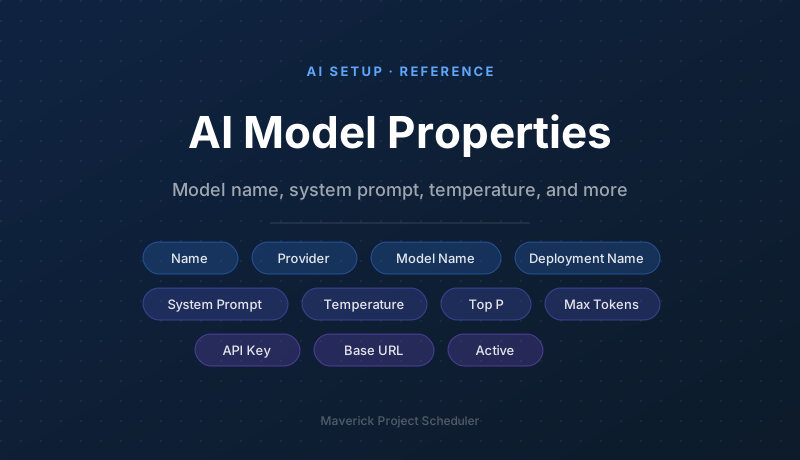
Every AI Model Property, Explained
A complete reference for every field on an AI model record — model name, provider, system prompt, temperature, Top P, max output tokens, deployment name, and per-model credential overrides.
View the AI model properties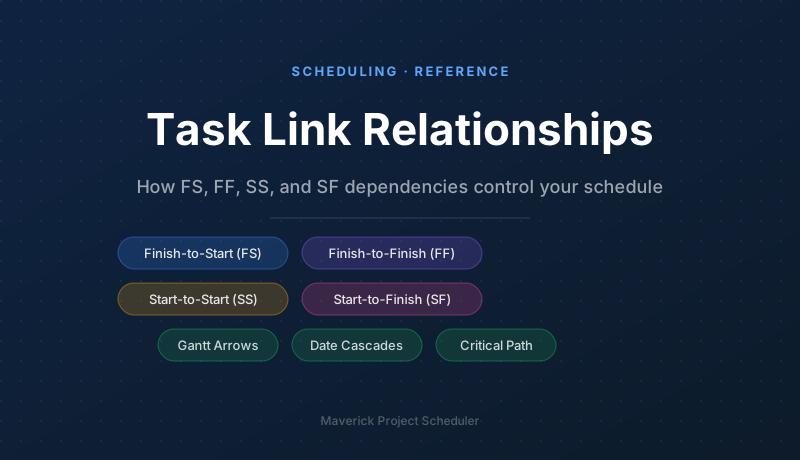
Task Link Relationships
How FS, FF, SS, and SF dependencies control your schedule — link types explained, date cascades, Gantt chart arrows, lag, lead, and the critical path.
Read the task links guide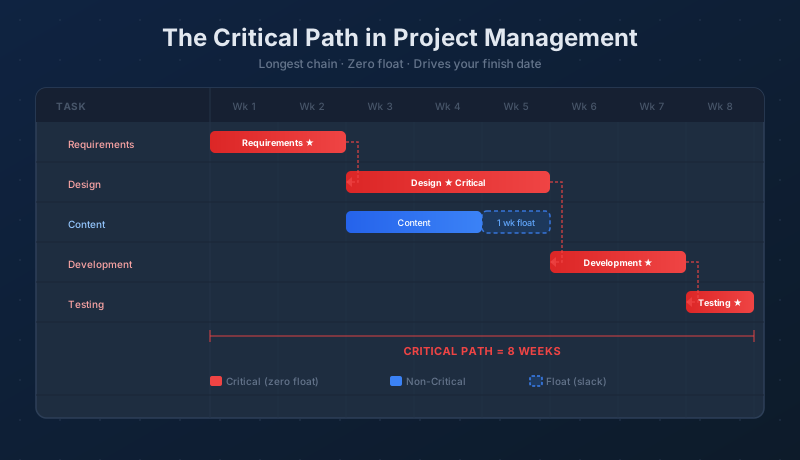
The Critical Path in Project Management
What the critical path is, how Maverick calculates it from task dependencies and durations, how to read float, and how to use it to compress your schedule.
Read the critical path guide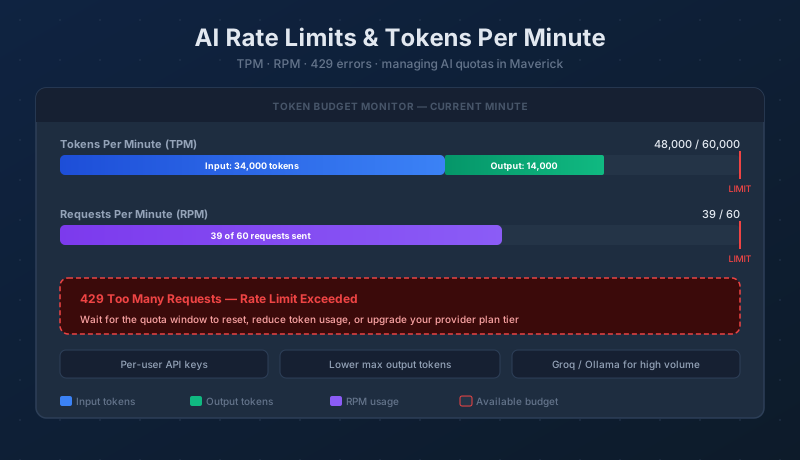
AI Rate Limits and Tokens Per Minute
What tokens per minute limits are, why providers impose them, what a 429 error means in Maverick, and six strategies to stay within your quota.
Read the rate limits guide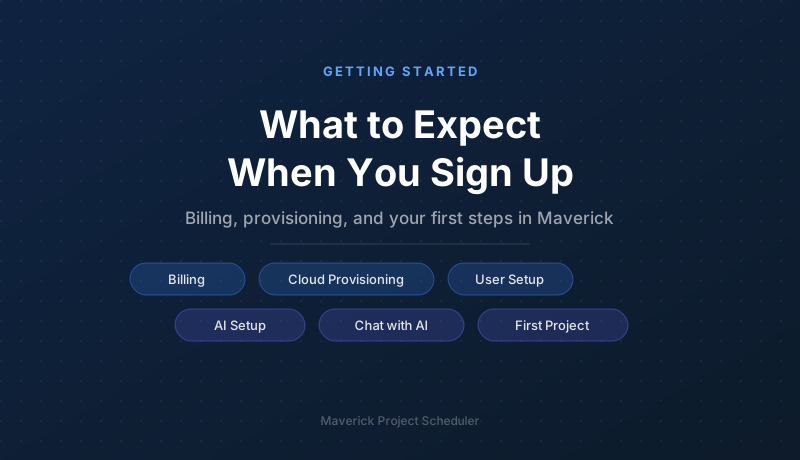
What to Expect When You Sign Up
Billing details, cloud provisioning timeline, your welcome email, and a step-by-step guide to setting up users, projects, and AI on day one.
Read the signup guide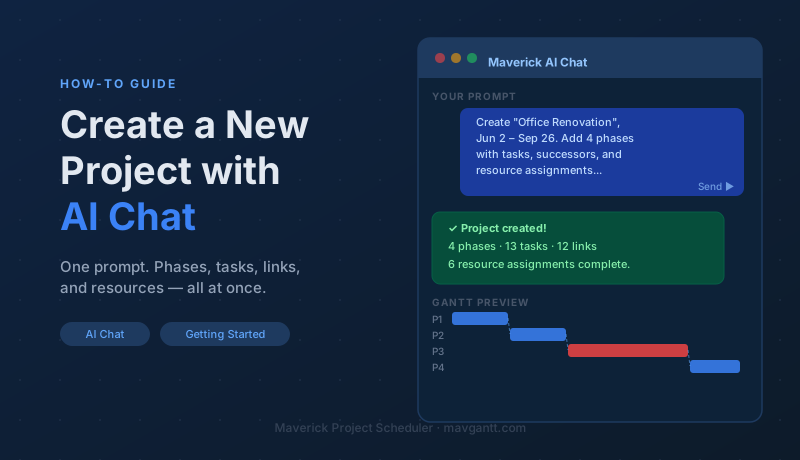
Create a New Project with AI Chat
Type one plain-language prompt and Maverick builds your full project — subprojects, tasks, start and finish dates, successor links, and resource assignments in seconds.
Read the AI project creation guide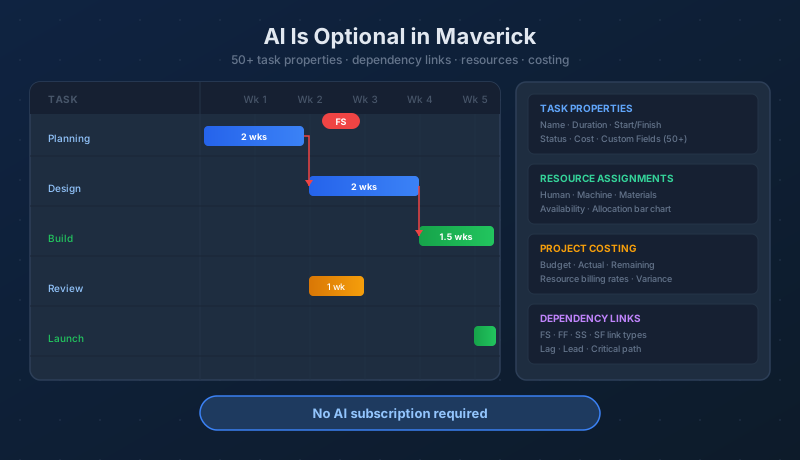
AI Is Not Required
Maverick includes 50+ task properties, dependency link types, resource assignments, and project costing — a complete scheduling toolkit that works without any AI subscription.
Read the scheduling guide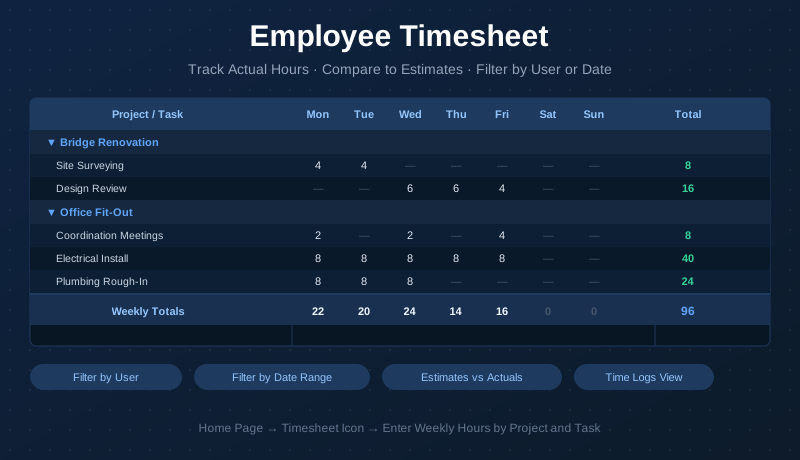
Employee Timesheet and Time Tracking
Log actual hours by project and task in Maverick's weekly timesheet — enter Mon–Sun hours, review totals at a glance, filter by user or date range, and compare actuals to estimates.
Read the timesheet guide